Originally published as an Advisory Hour Substack post on 2026-07-23. This first-party copy preserves the original text and public supporting media beside the finished work.
Original post
Art Lab is my solution to the problem of where do I post a bunch of upscaled images of SR-71. It also gives me a possible avenue for posting other upscaled artwork. Naturally, I have a twist on this artlab idea.
Typically, when one gets a high quality upscale there’s a certain constraint. The constraint is you get one. There’s a lot of different reasons for this. It takes time to produce a quality upscale. If you use online services, an upscale might even cost you money and time. However, I’ve discussed in prior writings I’ve setup an upscale machine. It’s lovely. In fact, there’s probably some photoshop user somewhere that would love to have this.
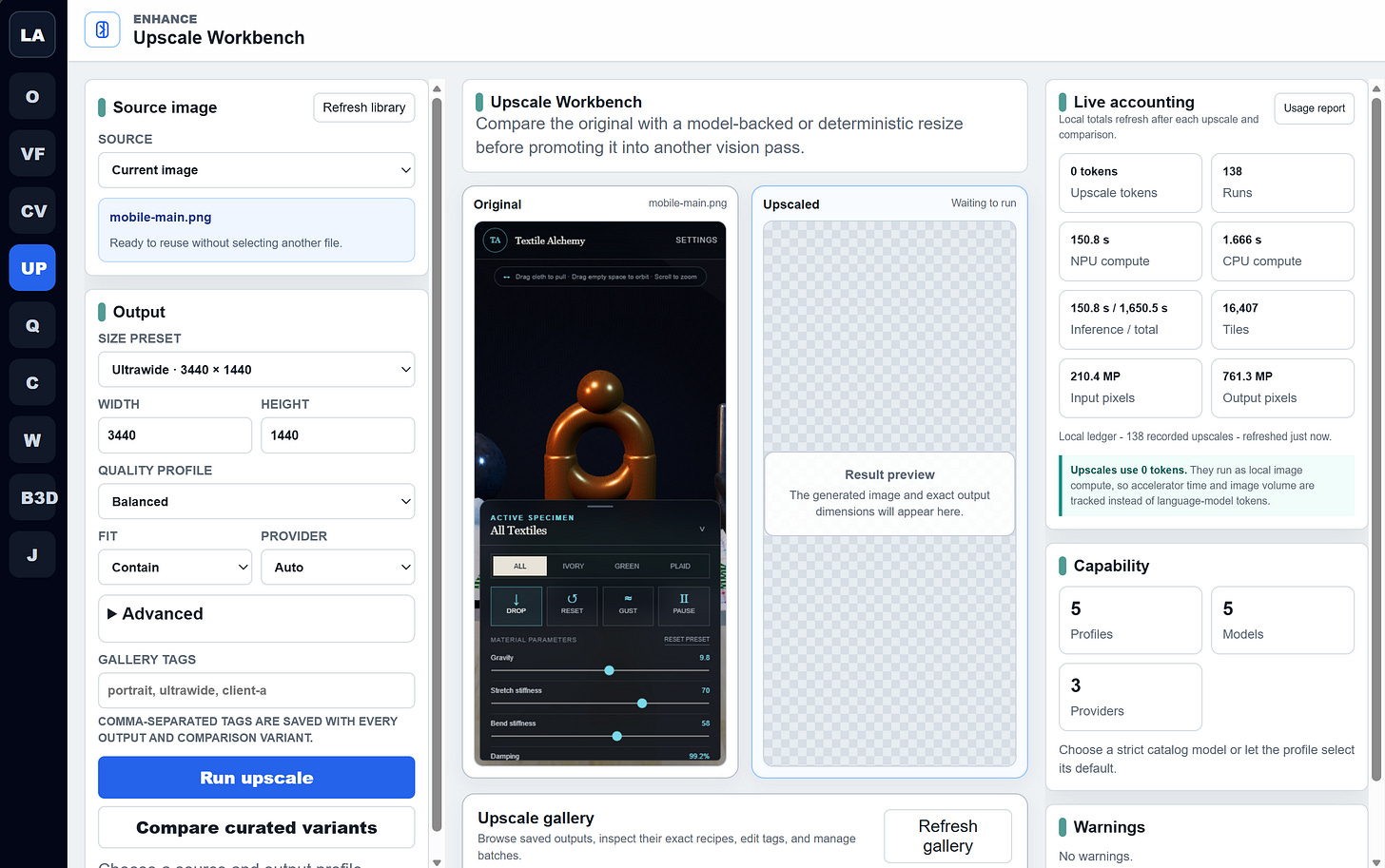
It’s not that I have one model integrated to solve upscale. Oh, no. I’ve got a full assortment of upscale solutions. So much that I wondered. What’s the best version of these images to share online? And then it struck me. Why not share all of them?
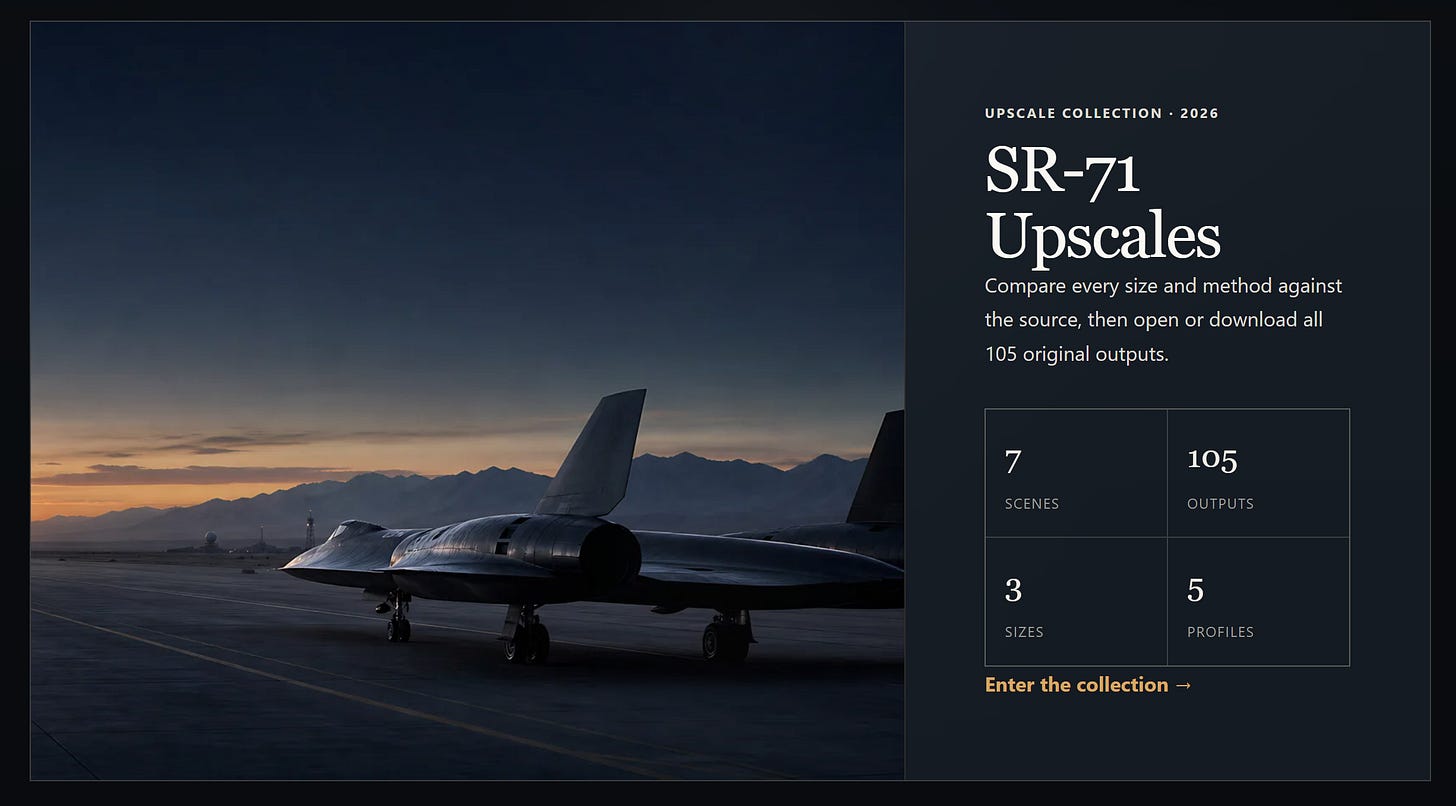
In the gallery you’ll find upscales of the artwork used in the SR-71. I’ve heard from some of you that you’d like an ultrawide or a 4K rendition of some of that aerospace magic from America’s past. I get it-so I got a solution in, and you can download the images today. There’s several to choose from and I like all of them.
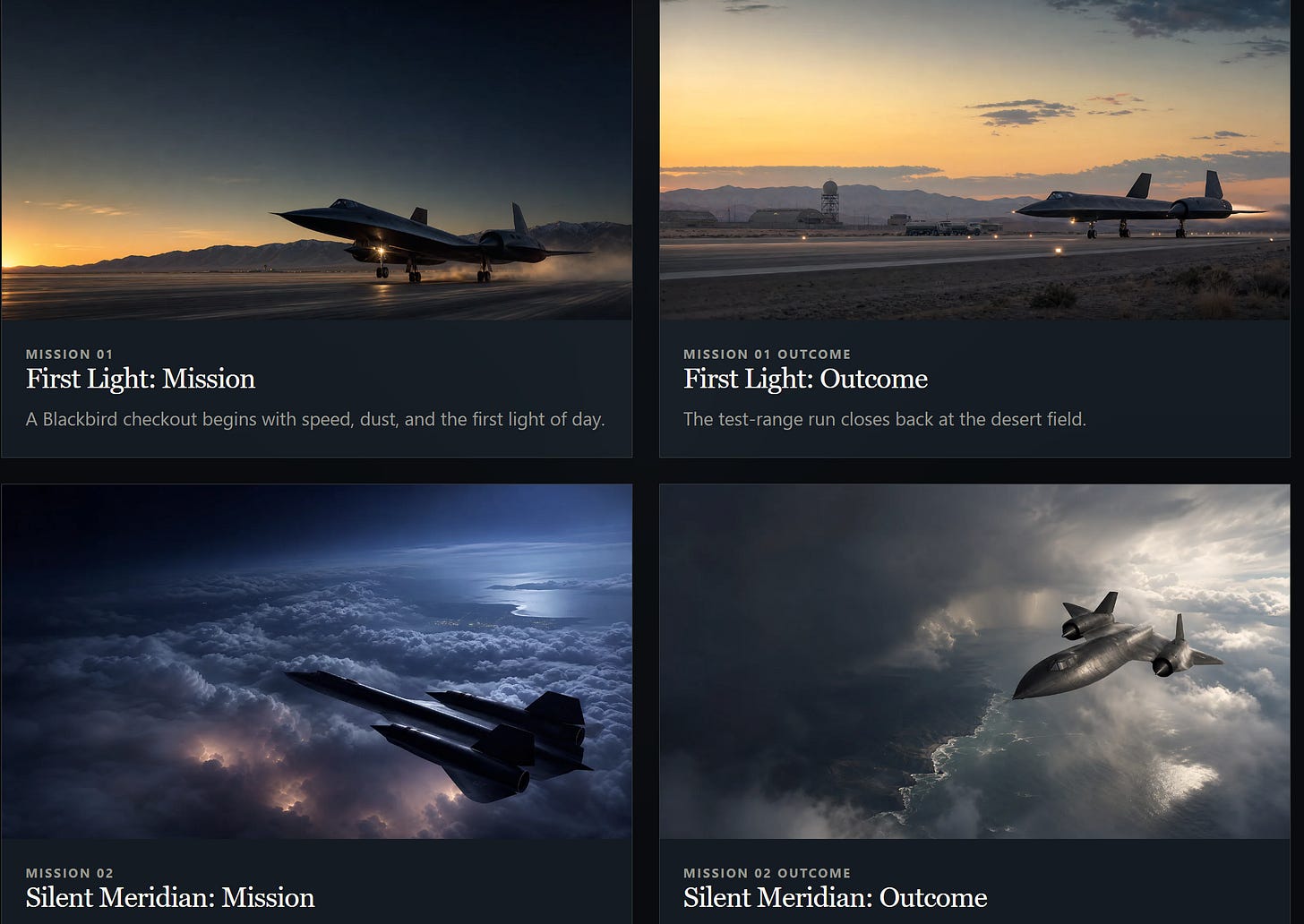
Inside of these stunning renders you’ll find a gallery of options that allows you to drive what kind of upscale you best like. Each of the profiles uses a specialized approach for different kinds of upscaling, and you’ll find that depending on the image you might prefer one over the other. This is great: you have the ultimate choice to pick the one you like best, and see the differences with the scroll comparison bar.
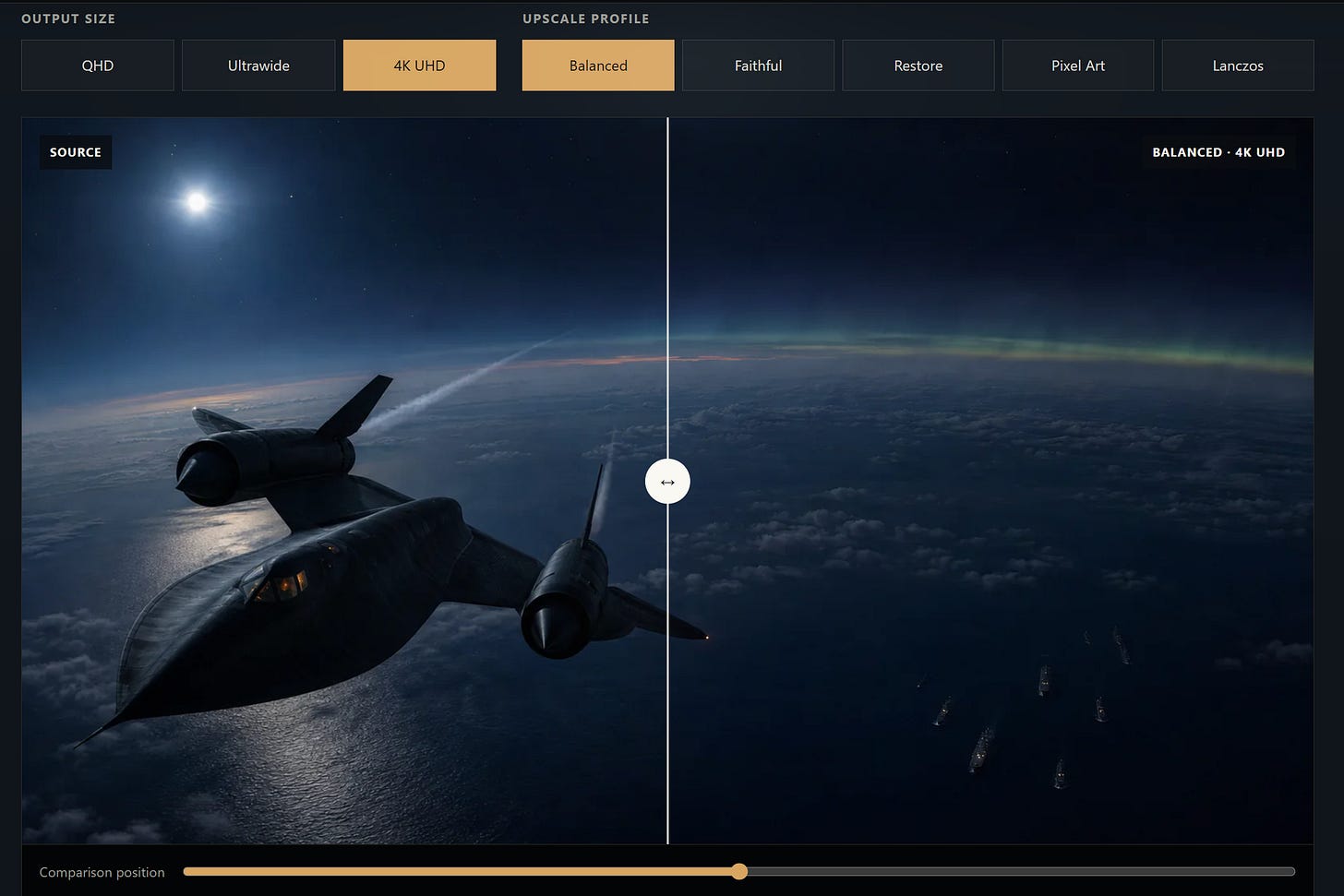
Link
It’s a little cheeky, but this might qualify as a Link to the Past. The gallery is of an iconic airplane that soared the globe, and the heavens. That I even has a dedicated music video.
https://www.ericrhea.com/artlab/
Technical Implementation
This is what you’ll want to share with your AI model if you want to build something similar.
The local AI studio uses a small collection of specialized upscaling models rather than treating every image the same way. Three neural super-resolution models run locally on a Qualcomm NPU, while two conventional CPU algorithms provide deterministic alternatives for pixel art and situations where AI-generated detail is undesirable.
You may see a reference “balanced” profile setting. The default “Balanced” profile uses Real-ESRGAN General x4v3. Real-ESRGAN is designed for practical restoration of real-world images and is trained using synthetic degradations that approximate blur, noise, resampling, and compression damage. General x4v3 is the compact member of the family: the deployed version has approximately 1.21 million parameters and occupies about 1.25 MB in its quantized form. It offers a useful middle ground between sharpening, restoration, and restraint. Qualcomm AI Hub (https://aihub.qualcomm.com/compute/models/real_esrgan_general_x4v3). It’s one of those areas where a Surface Pro is a versatile creative force: see my Snapdragon articles for more on this.
Real-ESRGAN project (https://github.com/xinntao/Real-ESRGAN)
The “Faithful” profile uses QuickSRNetLarge. QuickSRNet is an efficient single-image super-resolution architecture designed around the latency and power constraints of mobile hardware. The Large variant remains remarkably compact at approximately 436,000 parameters and 462 KB when quantized. Its architecture and training techniques were also designed to tolerate 8-bit quantization. In practice, we use it when we want enlargement with less aggressive texture reconstruction or detail invention. QuickSRNet paper (https://openaccess.thecvf.com/content/CVPR2023W/MobileAI/html/Berger_QuickSRNet_Plain_Single-Image_Super-Resolution_Architecture_for_Faster_Inference_on_Mobile_CVPRW_2023_paper.html)
Qualcomm AI Hub (https://aihub.qualcomm.com/compute/models/quicksrnetlarge) is worth reviewing. There’s quite a bit there.
The deployed QuickSRNet asset is a native 4× export: each 128×128 input tile produces a 512×512 output tile. This is worth noting because Qualcomm’s generic public catalog page currently names a 3× checkpoint, while the pinned export installed in this system is explicitly 4×.
The “Restore” profile uses Real-ESRGAN x4plus. This is the heavyweight option, with approximately 16.7 million parameters and a 16.7 MB quantized model. It is considerably larger than General x4v3 and applies stronger reconstruction to soft, compressed, noisy, or otherwise damaged source images. That additional restoration power can be useful, but it also makes this the profile most likely to reinterpret tiny textures, lettering, facial details, or edges. Qualcomm AI Hub (https://aihub.qualcomm.com/compute/models/real_esrgan_x4plus).
Real-ESRGAN model zoo (https://github.com/xinntao/Real-ESRGAN/blob/master/docs/model_zoo.md)
All three neural models are deployed as W8A8 ONNX models—meaning 8-bit weights and 8-bit activations—and executed through ONNX Runtime using Qualcomm’s QNN HTP provider. The studio requires actual NPU acceleration for these jobs and disables silent CPU fallback. Large images are processed as overlapping 128×128 tiles. Sixteen pixels of overlap and reflected edge padding help reduce seams between tiles. The model first constructs a native 4× image, after which the studio resamples and crops it to the requested QHD, ultrawide, or 4K canvas.
The cover setting is part of this final layout stage, not an AI provider. It fills the requested canvas without letterboxing while preserving aspect ratio, which means some material can be cropped from the edges. The alternative contain mode preserves the entire image with padding, while stretch forces the image into the target aspect ratio.
For comparison and specialized work, the studio also includes nearest-neighbor and Lanczos resizing. Nearest-neighbor is the correct choice for pixel art because it preserves hard pixel boundaries. Lanczos is a high-quality conventional resampler that does not hallucinate detail. These deterministic modes are useful whenever exact repeatability matters more than AI restoration.
A real 4K Balanced run in the local studio took a 1672×941 source through a 6688×3764 native AI result and then produced a 3840×2160 cover output. It required 180 overlapping NPU tiles and completed in approximately 4.37 seconds in that particular run; performance varies by source dimensions, profile, and model-loading state. I let it run while I was refilling my vodka and diet-7up.

One of the “inside big ideas” is that a profile setting can be more than just a configuration with AI assisted coding tools. I realized I was limiting myself. What if the configuration wasn’t just one AI upscaler… but the top 5 for more use cases? What would happen?
I’ve been pleased with the result, and now am wondering how else to put this capability to work.
Connected work
- SR-71 Upscale Collection: Compare all 105 QHD, ultrawide, and 4K outputs against their source frames.
- Blackbird Recon: Fly the browser project that supplied the seven source renders.
- Black Budget Bird build record: Read how the SR-71 project came together during Summer Into AI.