Originally published as an Advisory Hour Substack post on 2026-08-25. This first-party site copy preserves the text, localizes public supporting media, and connects the record to its project trail.
Original post

Words convey action and intent with LLMs and nearly every project can be better served by understanding even a small amount of Information Architecture. If you find yourself saying things like “improve the layout”, this week I’m sharing insights about information architecture just for you. Today is one of those posts. We’ll see how to one-shot prompt better navigation in your projects. The format of these articles will be me describing what the concept is, and then showing how the concept impacts a project. These might sound like expensive vocabulary words that don’t matter-but if you’re driving AI to produce results, words matter.
Let’s explore Taxonomy today.
Taxonomy
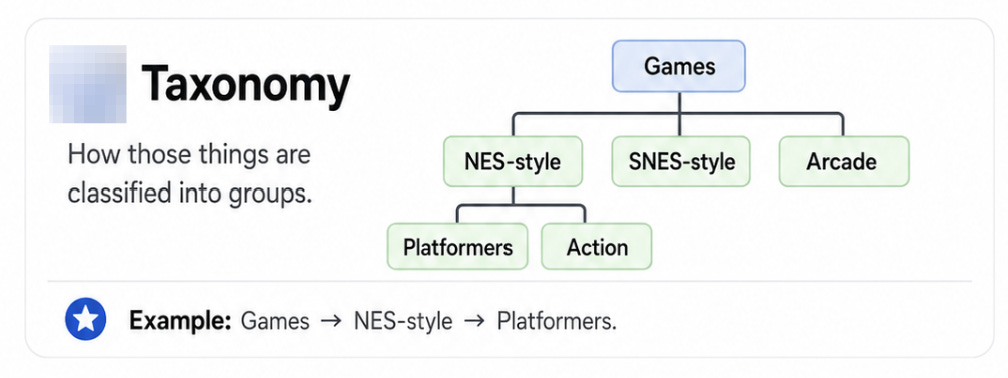
The image above this line is a taxonomy description. It’s how things are bucketed. If you ever used any filtering tool in the history of software, then you’ve come across information architecture at work. Filters work on the taxonomy of the data at play. Let’s use that as a weapon to fix a website.
This image below is a top level navigation for one of my local AI websites that resides on the LAN. It’s a little busy these days as capabilities have multiplied. This “busy menu” situation is likely something your own project runs into. Let’s use the keyword taxonomy to fix it.

In the agent harness, and it really doesn’t matter which one, drive a prompt like the following where you ask for an improved Taxonomy of the navigation menu.

If all goes according to plan, the harness will grok the information architecture problem. For example, let’s see what Hermes found while reviewing the navigation. Here in this next clip you can see how Hermes identifies what the problem is.

And then the model identifies shortly after the appropriate taxonomy with little need from you. If, of course, you need to interject the plan on behalf of what the agent is doing you can. However, we’re already in a better spot. The information architecture is now organized by a jobs to be done approach and along the way the model identified the tech debt that emerged as capabilities improved-as will fix those, too.

By the time I finished writing and editing a few paragraphs of this article, the agent harness finished it’s task. The information architecture is much easier to make sense of now. That relief that’s felt in comparing the old navigation to the new is a concept of cognitive load. Humans generally do worse the more features and information that are put infront of us-specifically information that requires us to work it in our higher level systems thinking and not the automatic senses that ship with HumanBody1.0.
I’ve included the mobile view of the menu, too.

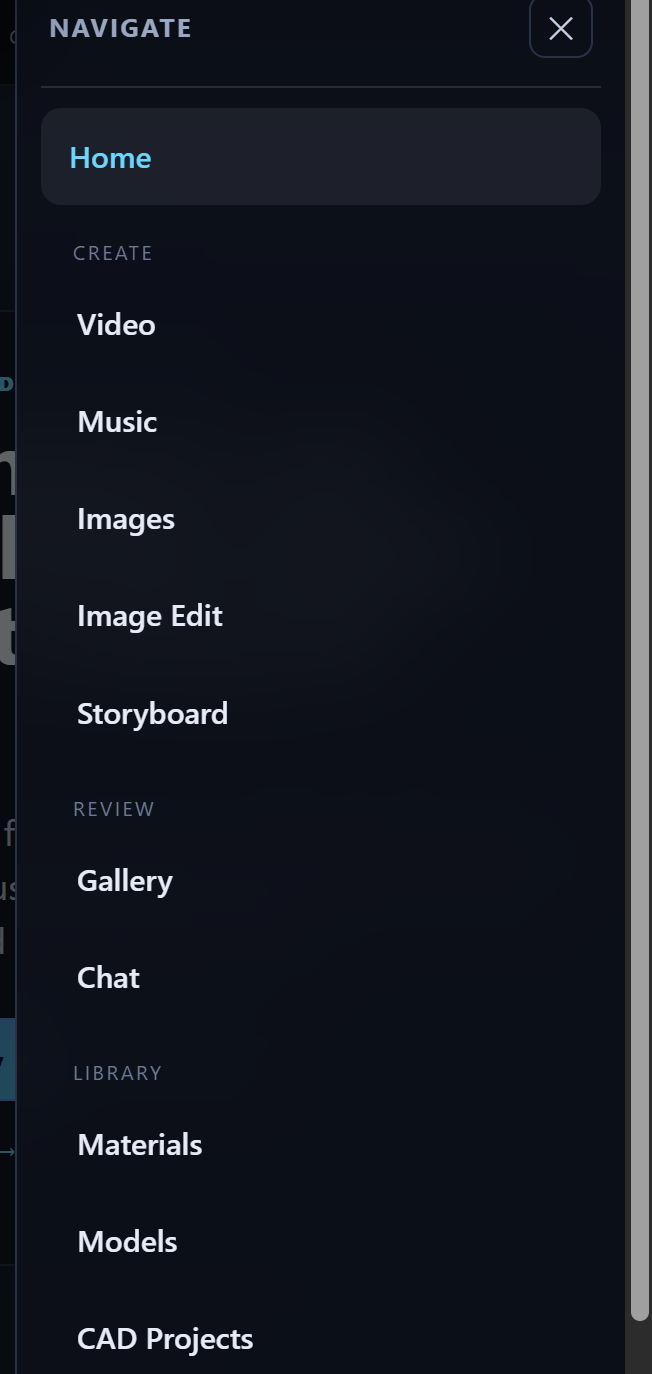
There are times you can get away with “improve the menu”, but this drives the model to make assumptions about what improvement even means. By giving the model a more clear understanding that the taxonomy is what needs improved, then you can realize the benefits of a new information archtecture for your menu right away.
Connected work
- Site Directory: See a public navigation system organized around what readers are trying to find.
- Frontier Atlas: Search and filter the site through its content types, topics, projects, and status labels.
- Field Notes: Browse short records from projects while they are still moving.