- Adventure
- Room by room
- Players
- Single player
- Saved progress
- Three browser slots
Check the next doorway
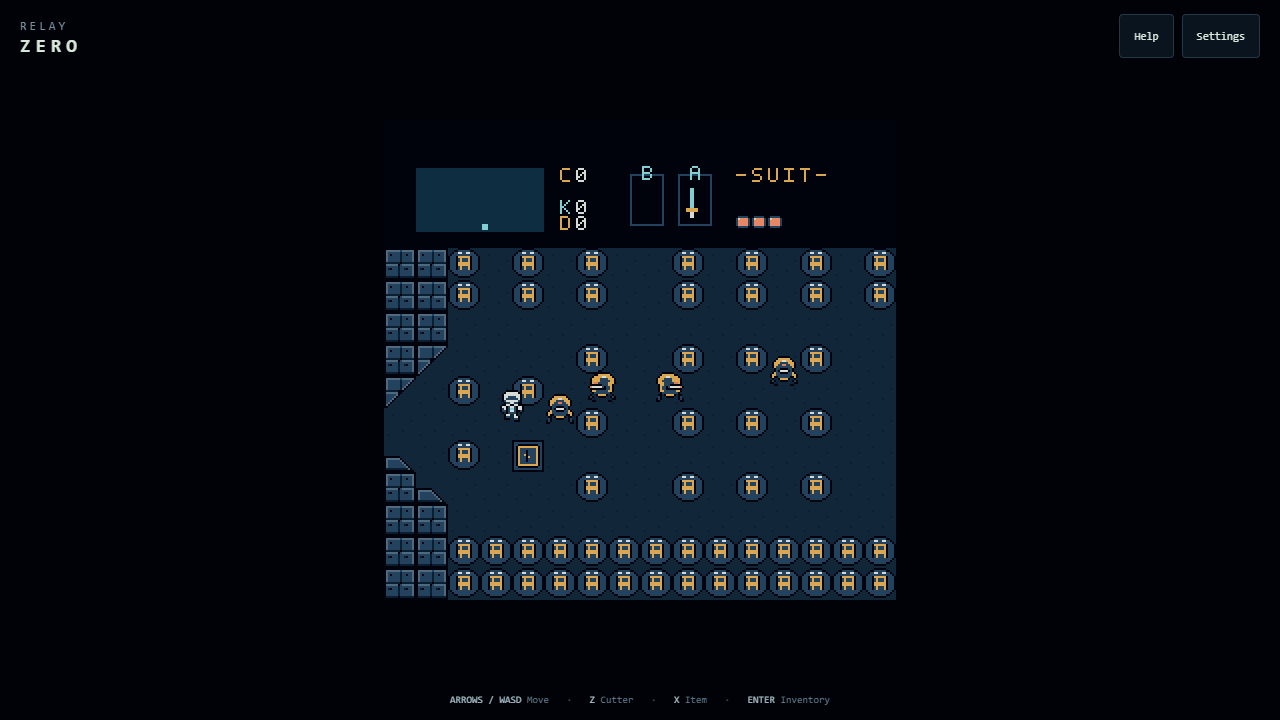
Relay Zero is a sci-fi take on the original NES The Legend of Zelda. You explore one room at a time, find equipment, and work out what each new tool can do. The setting moves to an abandoned colony, with metal passages, service terminals, and machines that would rather you left.
Your first job is to find an ion cutter. Face a patrol before you swing. Each strike briefly holds you in place, so closing the distance takes a little nerve and a little timing. Release the button before striking again.
The familiar adventure has new clothes and a few different sounds. Robot patrols roam the rooms. Excavators emerge from the ground. Water sentries watch the edges. Defeated machines may leave credit chips or medical cells, and recovered equipment gives you more to try at the next obstacle.
Start a save, then start exploring
The title screen says PUSH START BUTTON. On a keyboard, that means Enter. Menu choices use Shift to select and Enter to confirm.
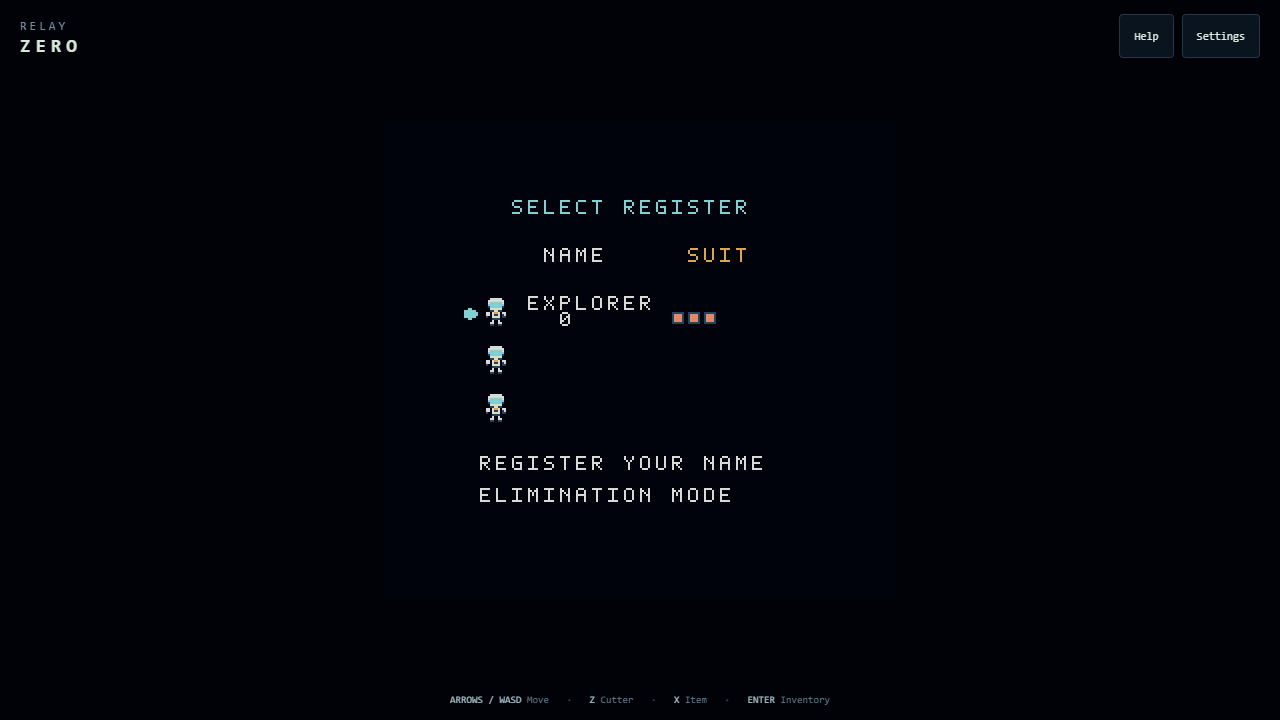
- Press Enter at the title. On your first visit, REGISTER YOUR NAME is selected. Press Enter again.
- Use the arrow keys to choose letters. Press Z to enter each letter in your name.
- Press Shift until END is selected, then Enter to finish registration.
- Select your named slot with Shift, then press Enter to enter the colony.
| Control | Action |
|---|---|
| Arrows / WASD | Move and face a direction. |
| Z / J | Use the ion cutter once you have found it. |
| X / K | Use the tool equipped in the B slot. |
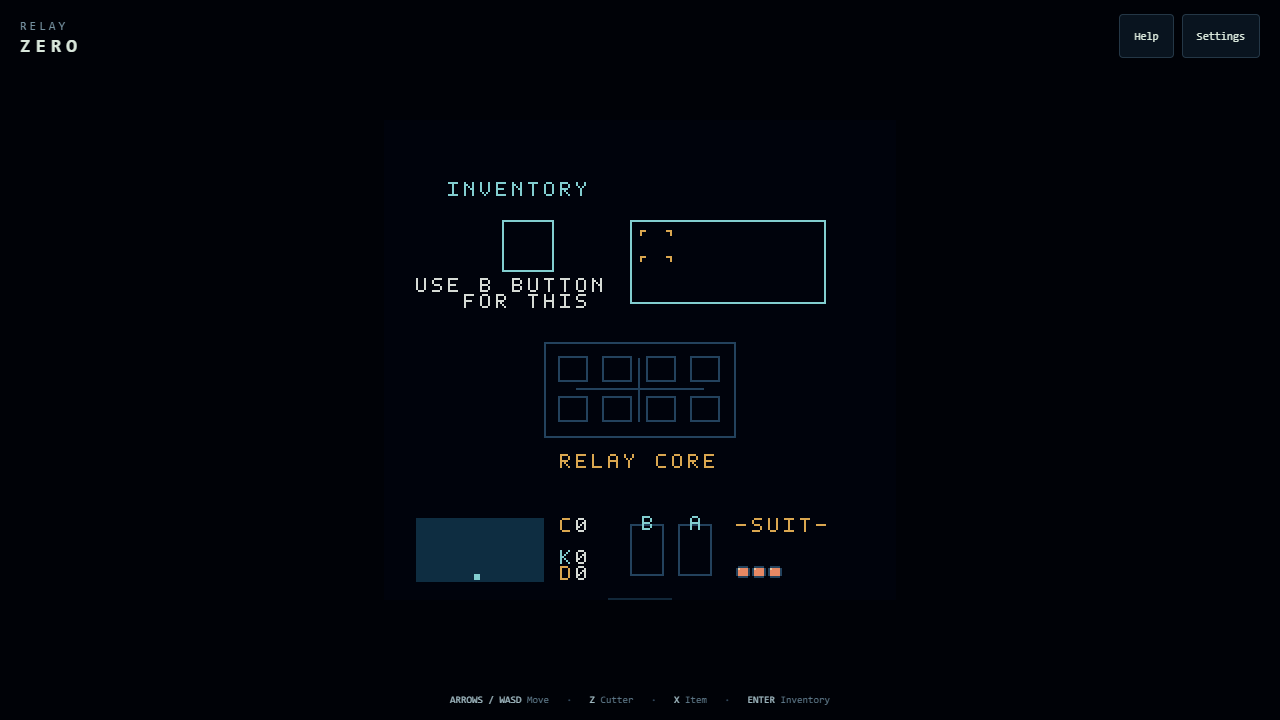
| Enter | Open or close inventory. Start and confirm in menus. |
| Shift | Pause during play. Cycle choices in menus. |
| P in inventory | Open the Continue / Save / Retry menu. |
Touch: use the on-screen direction pad, A for the cutter, and B for your tool. START and SELECT take the place of Enter and Shift. Open inventory to reveal RUN MENU.
Gamepad: use the direction pad or left stick to move, A for the cutter, B for your tool, Start for inventory, and Select for menu choices. Button labels may differ by controller.
Save before leaving: open inventory, press P (or tap RUN MENU), select SAVE with Shift or SELECT, and confirm with Enter or START. Your three save slots live in this browser on this device.
A name on the register. Tools to find.
Pixel art, running in your browser
Read the original Relay Zero article, published October 9, 2026.
The explorer, machines, and terrain are drawn with pixel art. Three.js draws the game through WebGL, while JavaScript handles movement, combat, rooms, and saves.
Open Settings to switch sound effects, colony atmosphere, or reduced effects on and off. Help brings up the field guide and a quick reference to supplies. The game is an evolving project.