Originally published as an Advisory Hour Substack post on 2026-07-22. This local copy preserves the text and public supporting media alongside the research record.
Original post
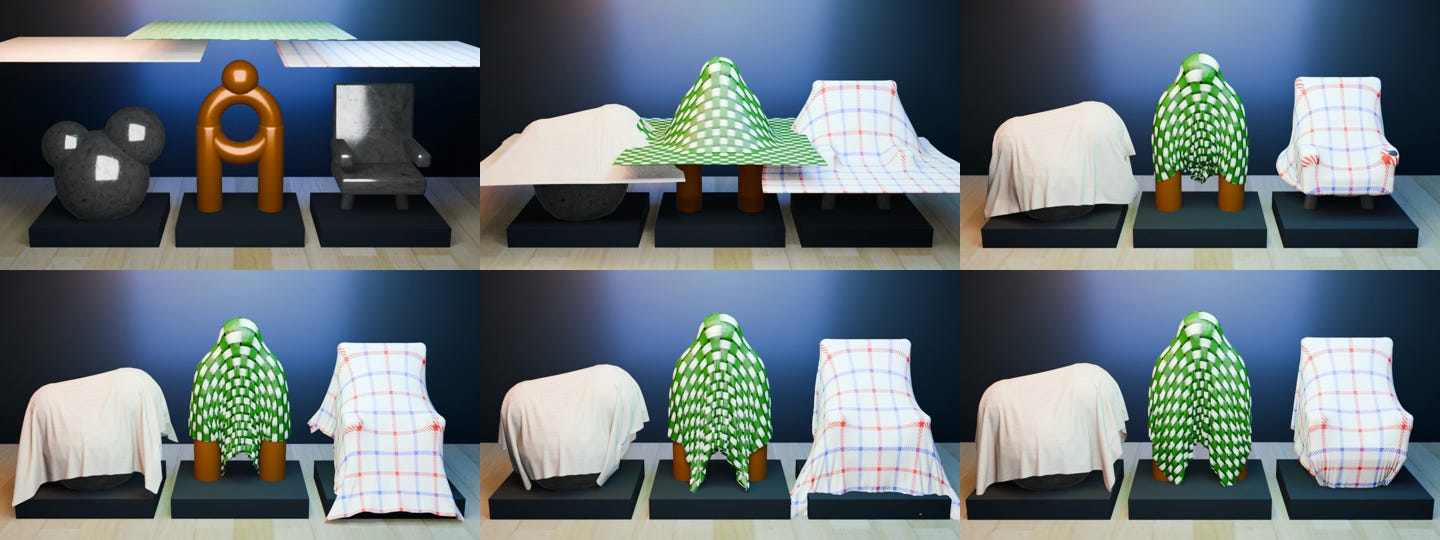
Every day I prove to myself AI can do some mind-blowing new thing that I’ve struggled with in the past. In today’s, “It can do that, too?!” I present cloth simulations.
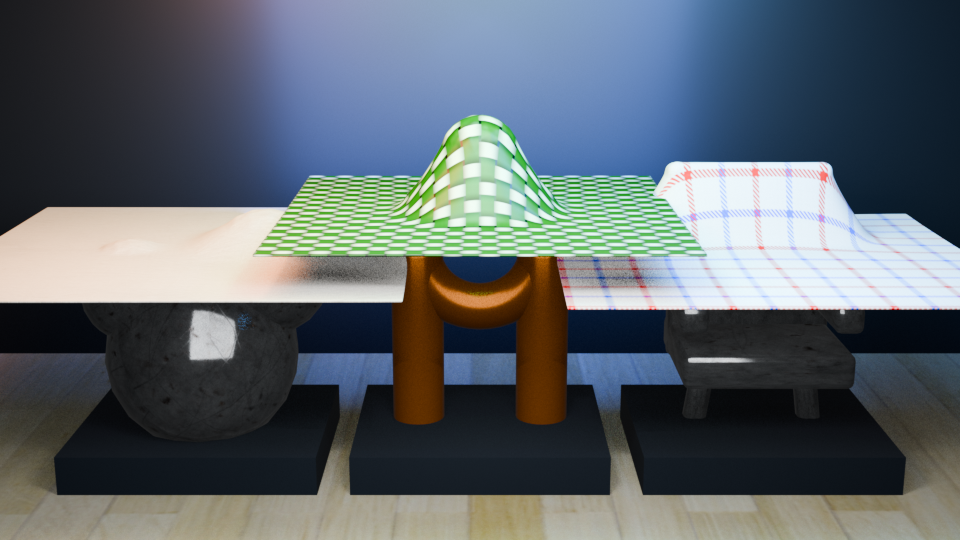
Cloth is a difficult thing to get right. It takes a lot of time to set up a scene and then simulate cloth effects. Since learning that AI is a major accelerant for blender work, I’ve kept my eye open for new possibilities to try. What ideas of the past that I wrote off are within reach now? In today’s experimental result I learned that cloth is now in reach. It is difficult to explain to someone who hasn’t struggled with cloth simulation in blender just how jaw dropping the following video is-fully assembled, textured, modeled, and exported to mp4 in one-shot from 5.6 in my blender harness.
Cloth Simulation
The cloth simulation runs 120 frames for the video. It’s targeting about 24fps. I find this a nice tradeoff of “what the scene can do” versus “how much disk I have available”.
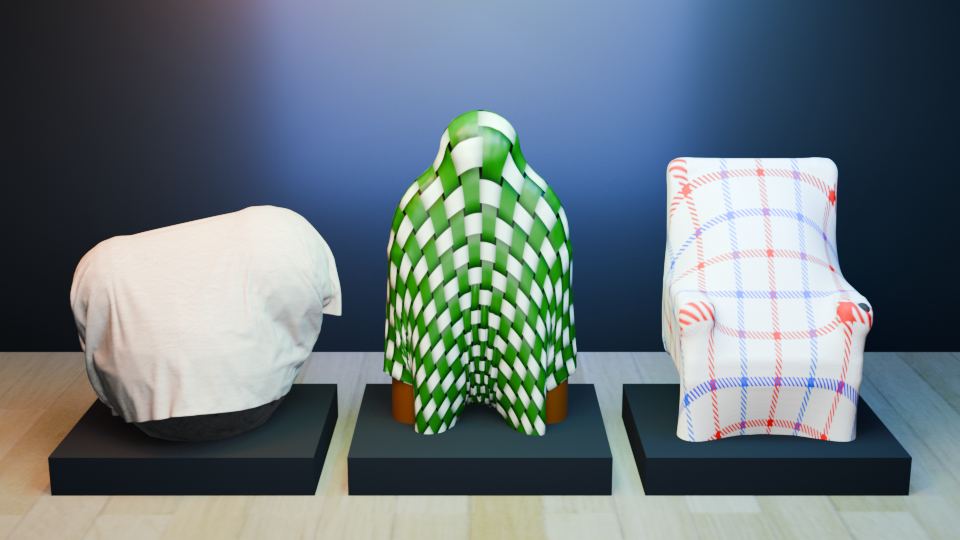
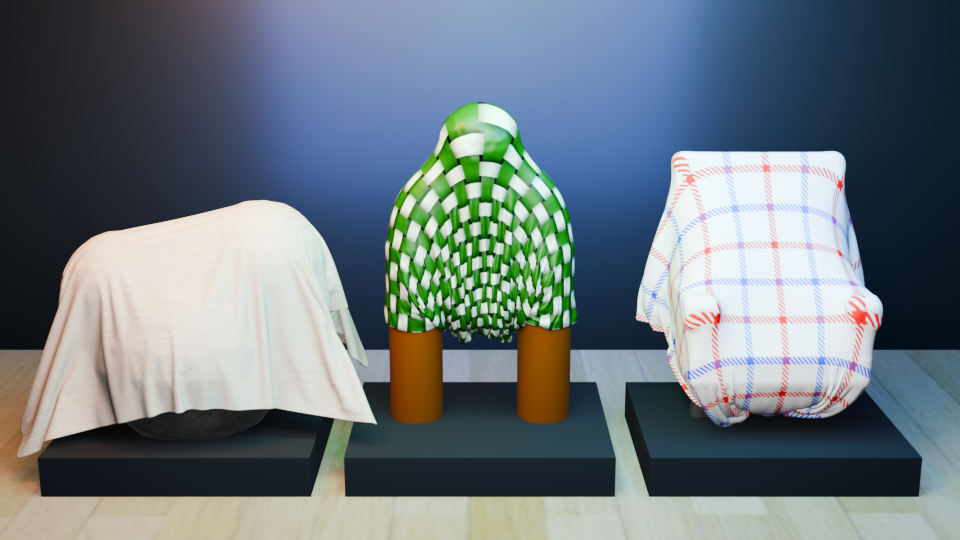
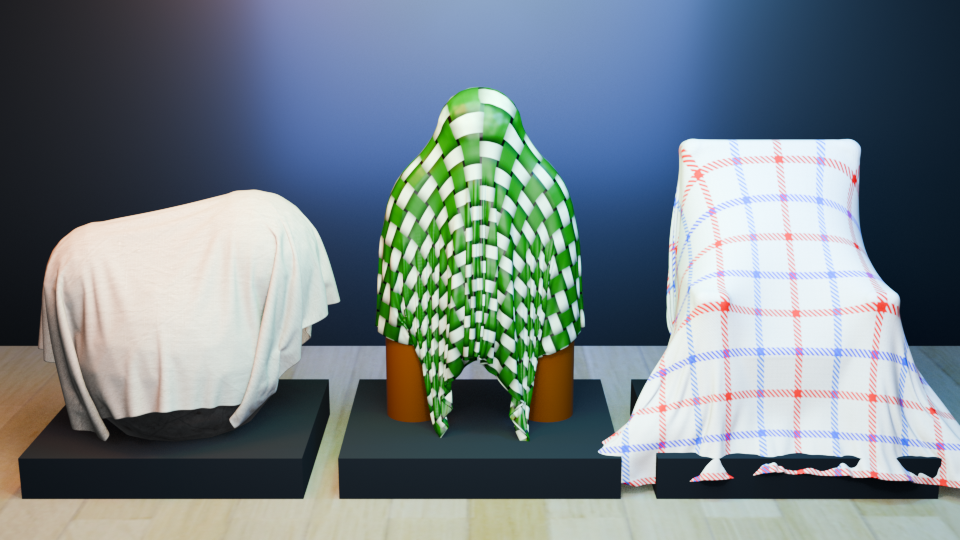
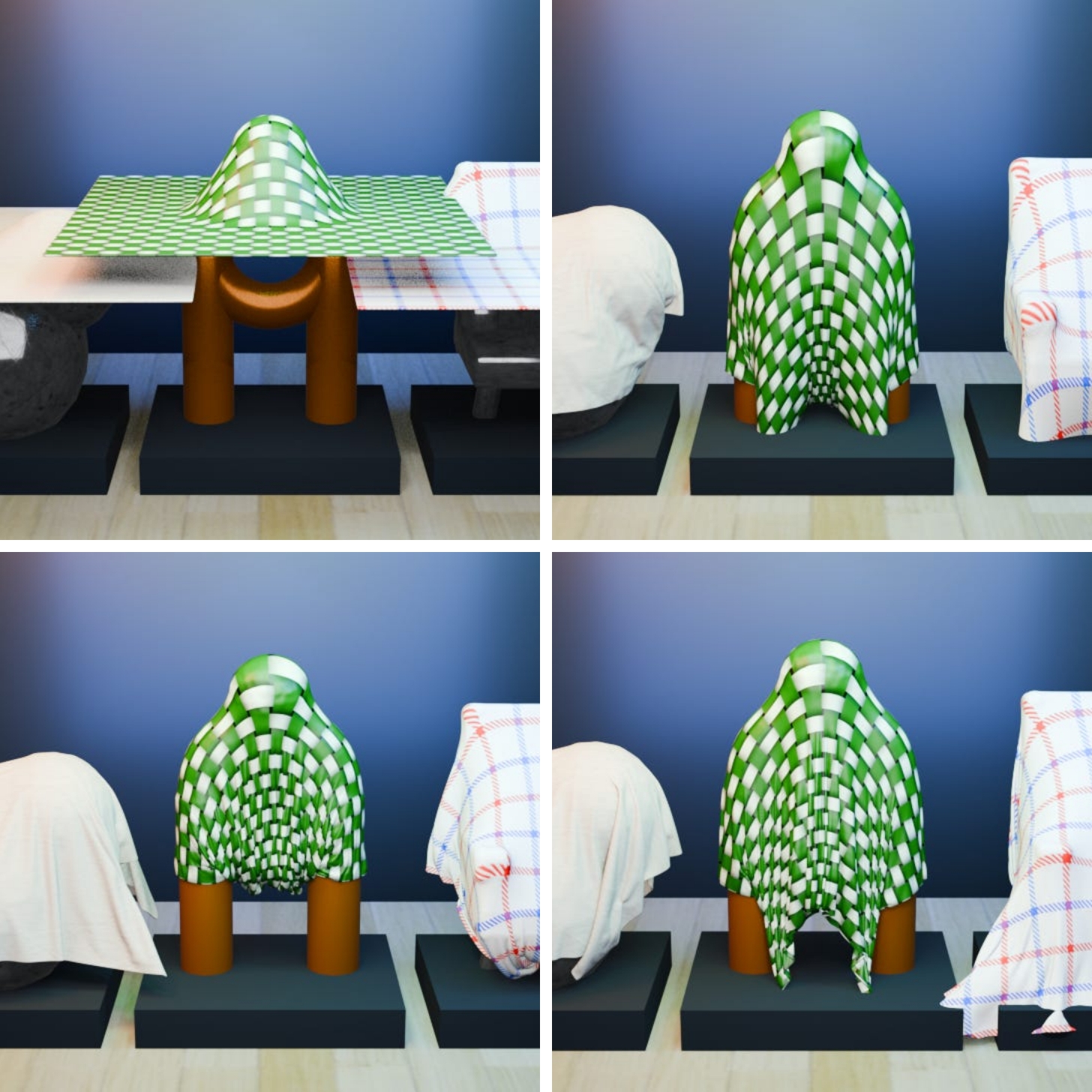
As these images show, cloth simulation is possible. It’s a bit more work than just “hey figure out cloth simulation” when working with blender and AI. I’ve got this robust solution in place for teaching the model. The harness is just the all-purpose Hermes, which has the single killer feature of skill adaptation. It’s robust because it just works. I like things that work.
Texturing
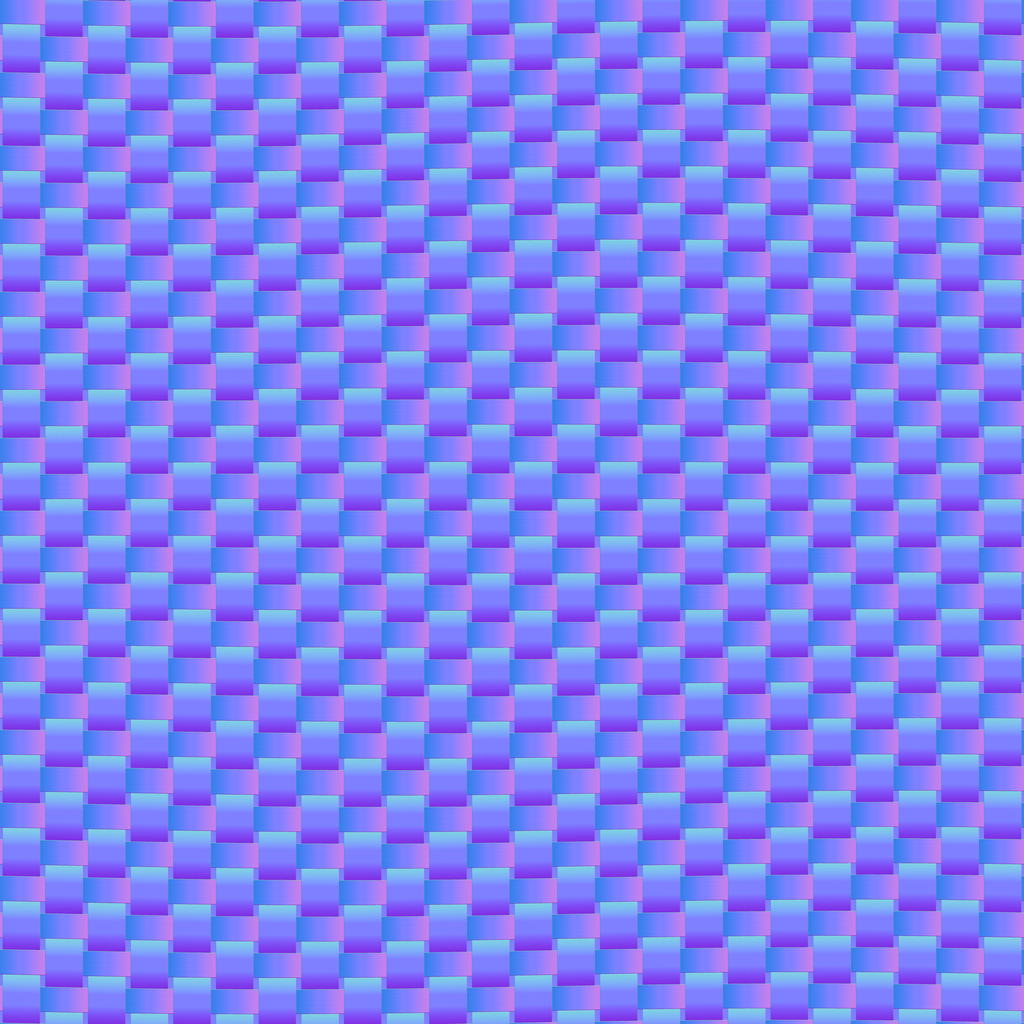
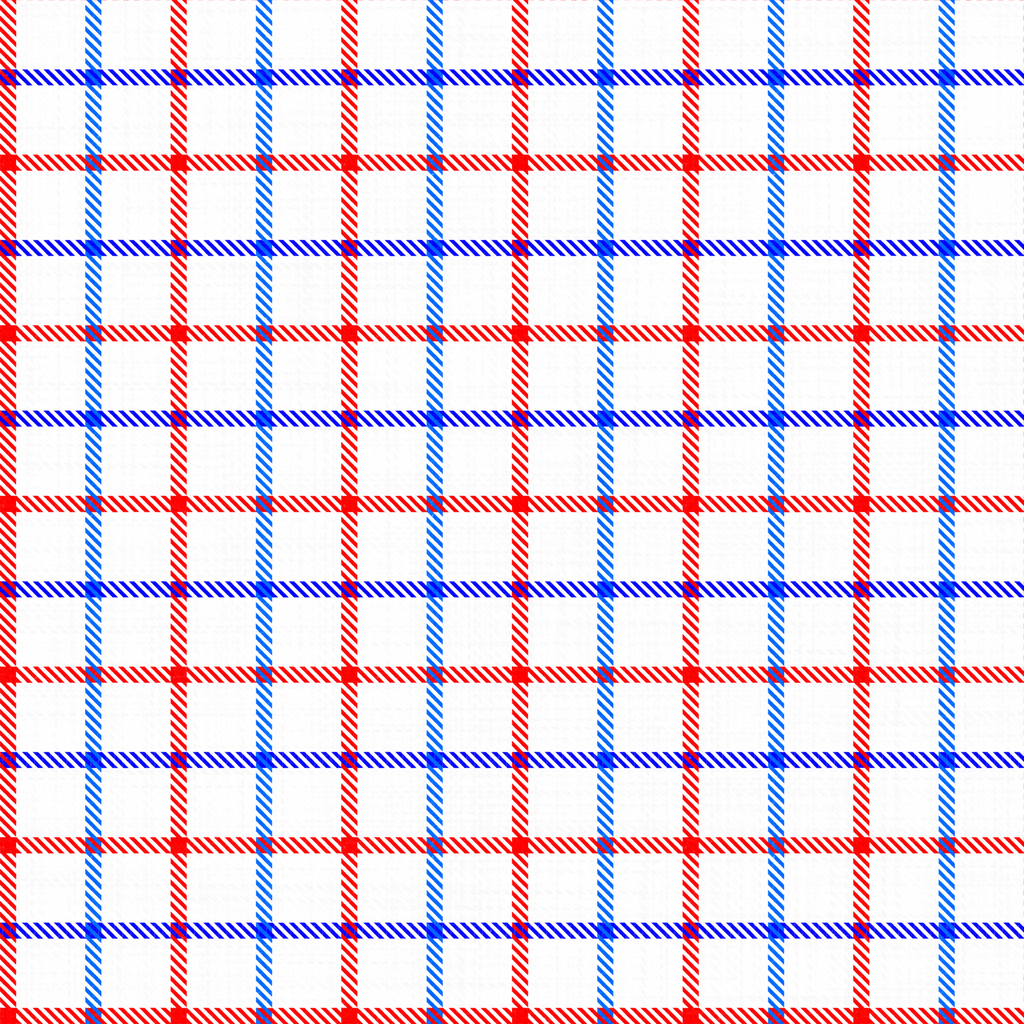
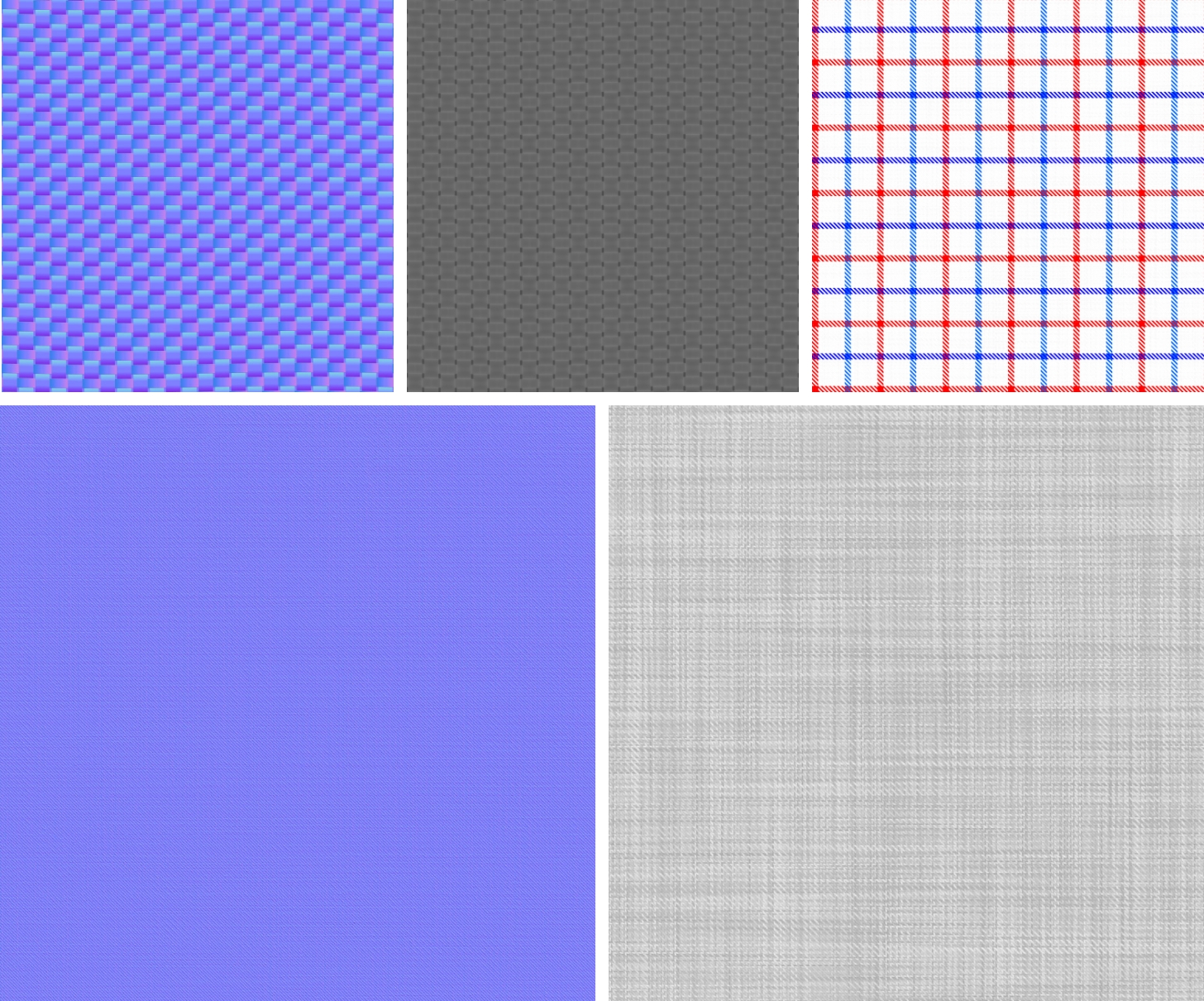
Textures used didn’t just include boring surfaces. Normals were also pulled in. In fact, I found this so fascinating that I’ve included some of the surfaces used here for your review.
Feel free to use those in your projects-just drop a comment on my substack if you do. I love to know where this stuff ends up at.
But wait, there’s more
A more Complex Scene and it’s a fun one. I had a city scene built out, then layered a blanket on the different parts to see what would happen. There’s even a “blanket slips into the sewer” scene because I thought that would be a bridge too far for the AI. I was, of course, wrong on that assumption. As you watch the clip, take note of the blankets over the lit signage and other objects. The light emits thru the blanket. This was incredible: one-shot.
Scene reference clips:
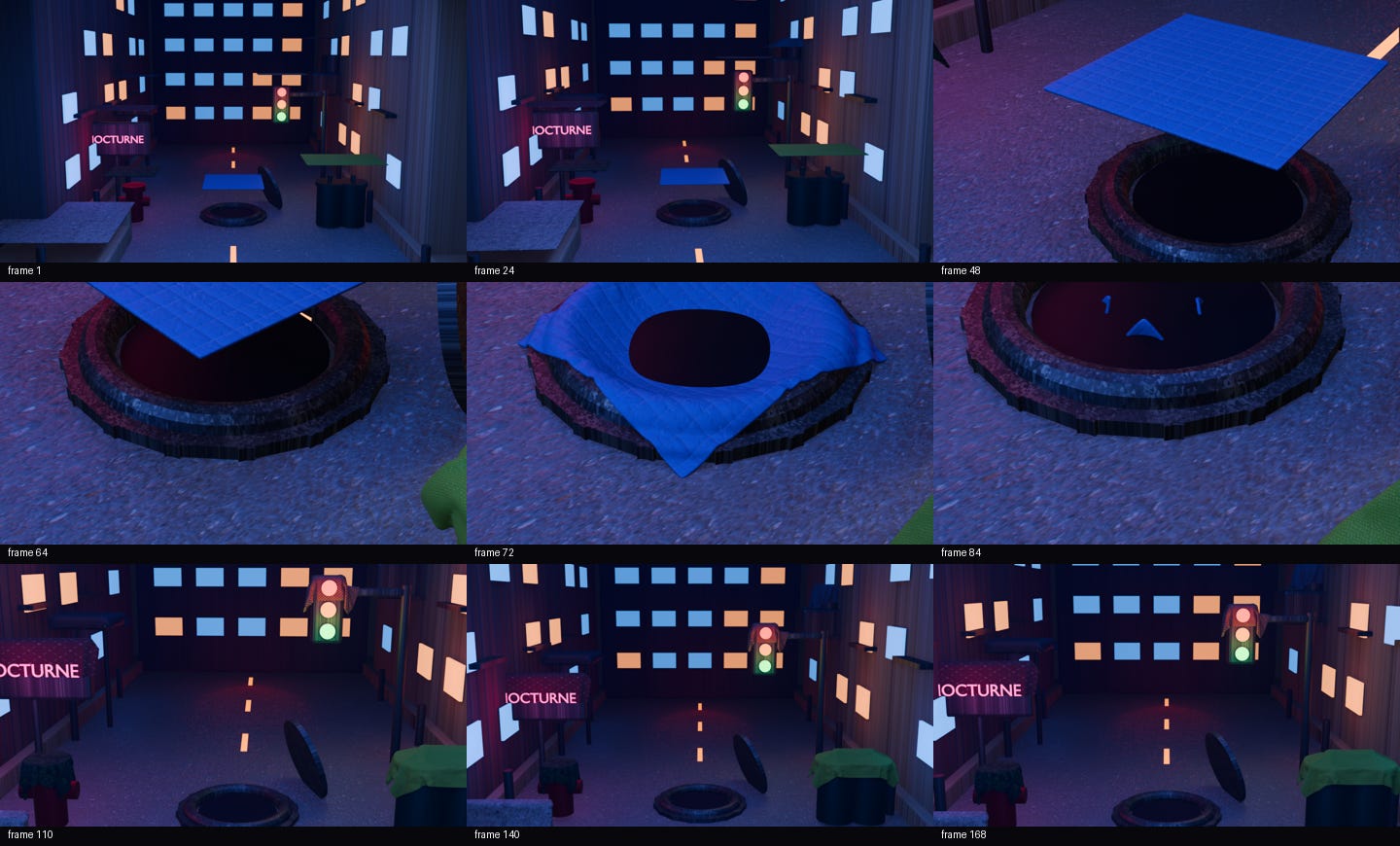
OK, but wait. There’s more.
As cool as it is to have cloth simulation in blender? I wondered why I couldn’t make it work in three.js. So using some of the same techniques and what I learned working with the sr-71 implementation, I’ve a cloth solver you can play with in your browser and possibly your phone. It depends on your make and model-there’s just too many devices to even guess it it’ll work for you.
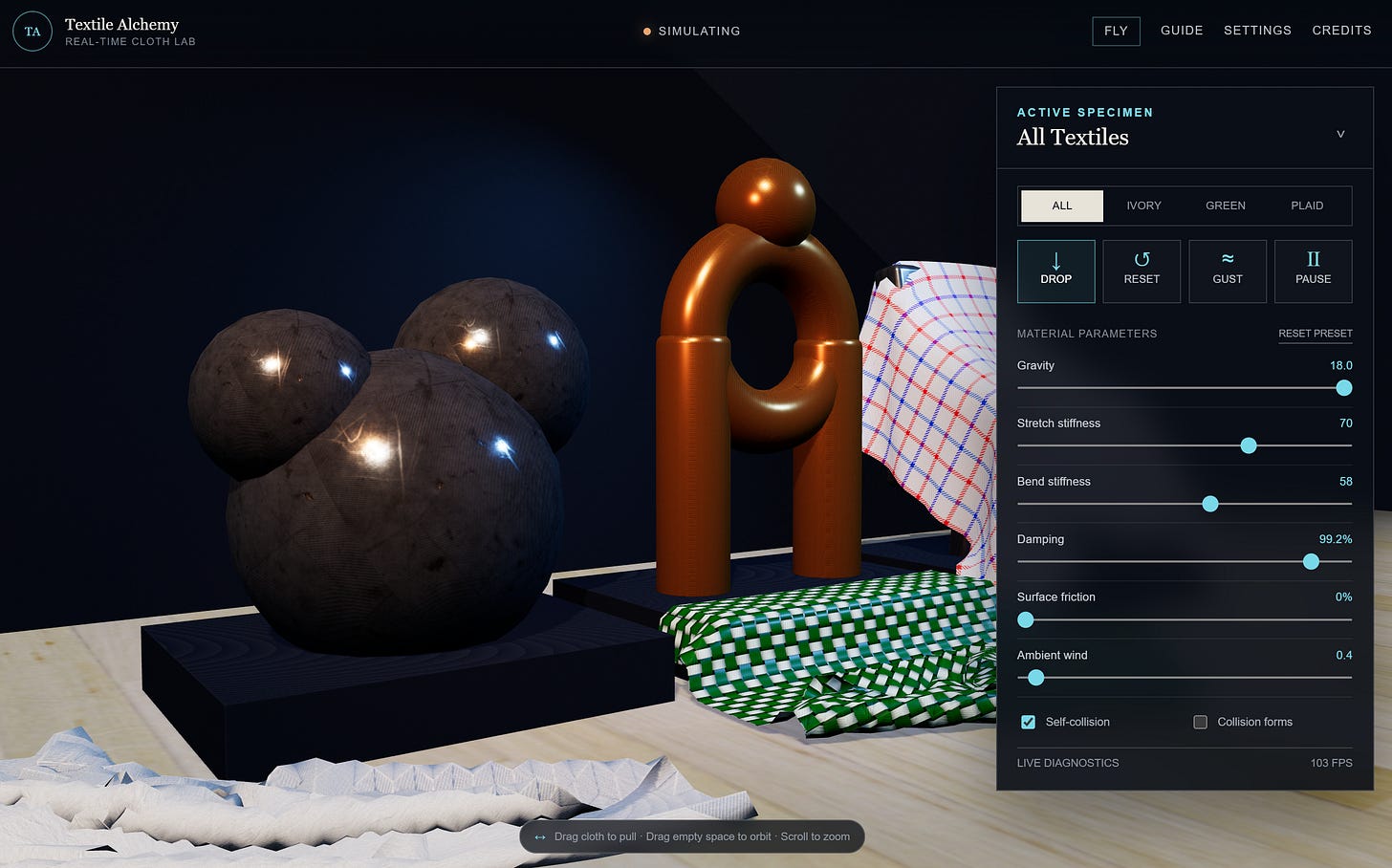
What surprised me was that this worked. After several months of poking around threejs I never once tried a cloth solver-it just never occurred to me the engine could handle it. Not only does it handle it, but it does three at once at 100fps on my Surface-and it looks better than my screen renders out of blender. Incredible. There’s even a fly button in the upper right if you want to navigate around the scene.
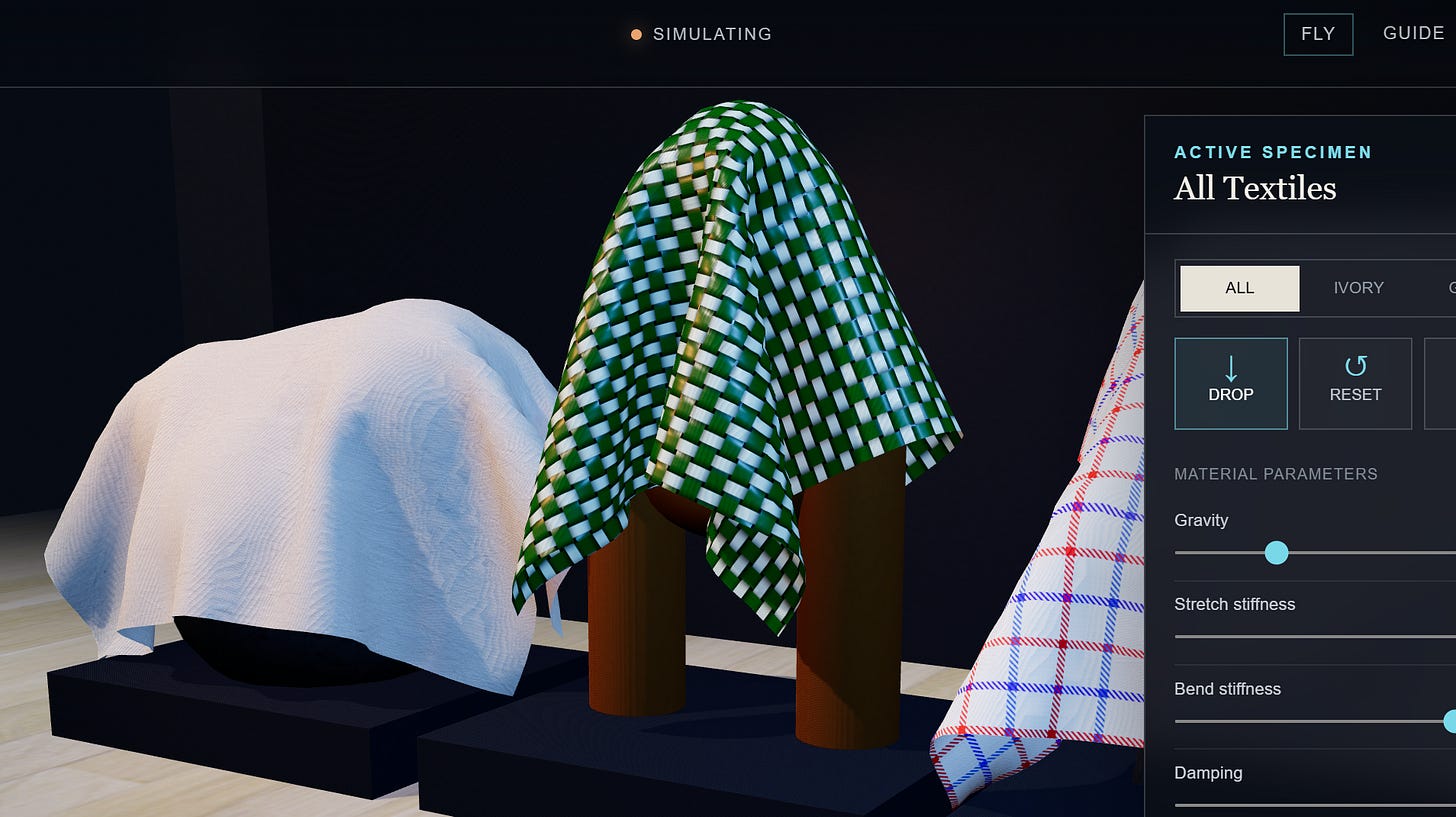
Flying around you can inspect the texture work up-close. It’s impressive. I have towels in reality that look very similar to this.
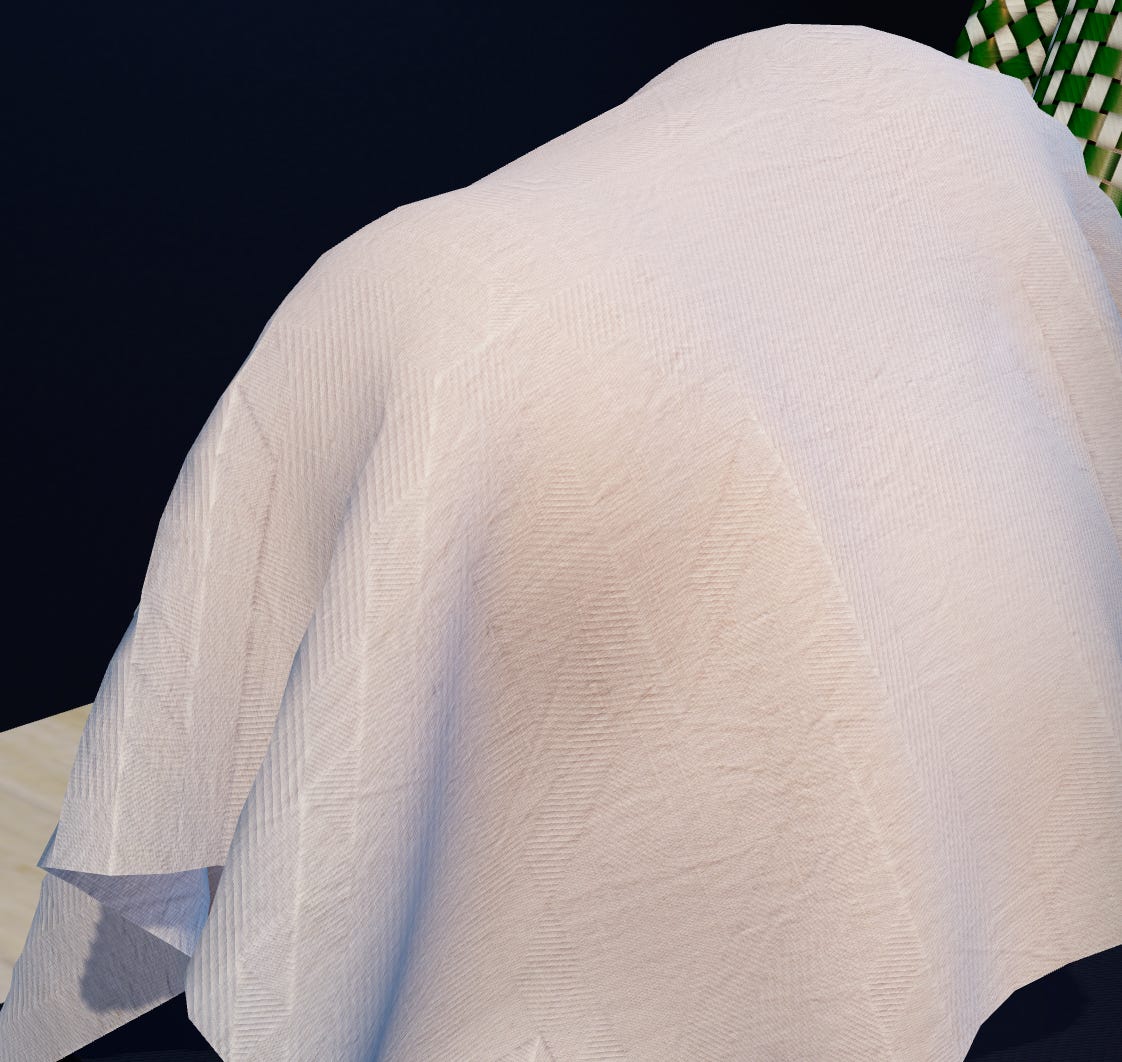
Take note of that shadow on the fabric, too. That’s a realtime shadow. And also, I didn’t mention but you can also drag the fabrics around if you want- which is oddly therapeutic.
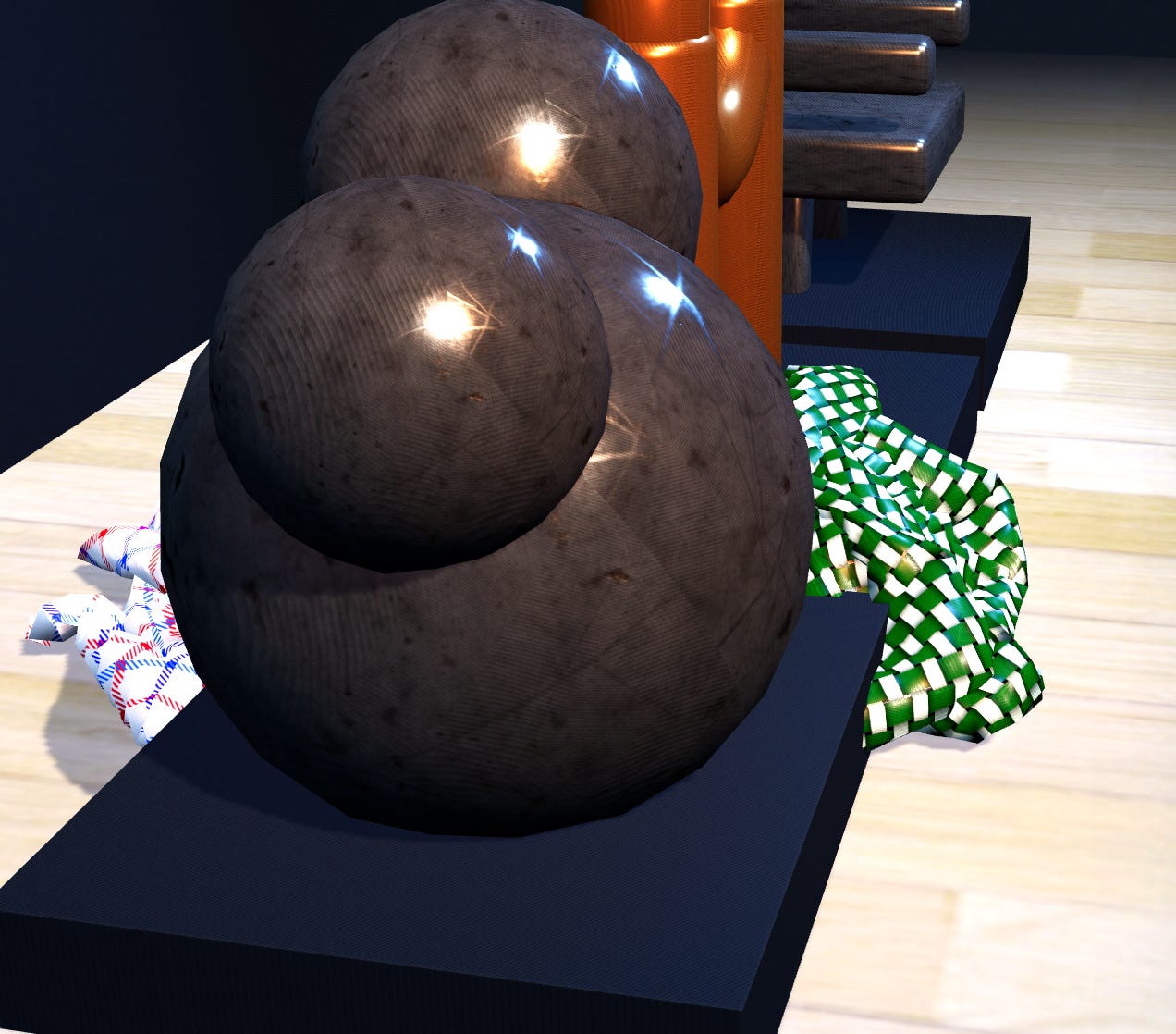
You can try this out for yourself here:
https://www.ericrhea.com/gamelab/projects/textileacademy/
Incredibly, I have seen this work phenomenally well on an ios17.
What’s next for cloth simulation? I’ll be trying to do a building again. These simulated cloths might help bring up the realism of an apartment dwelling. I’ve not tried anything quite like that in blender.
Hermes+5.6 Sol+Blender+Material Library
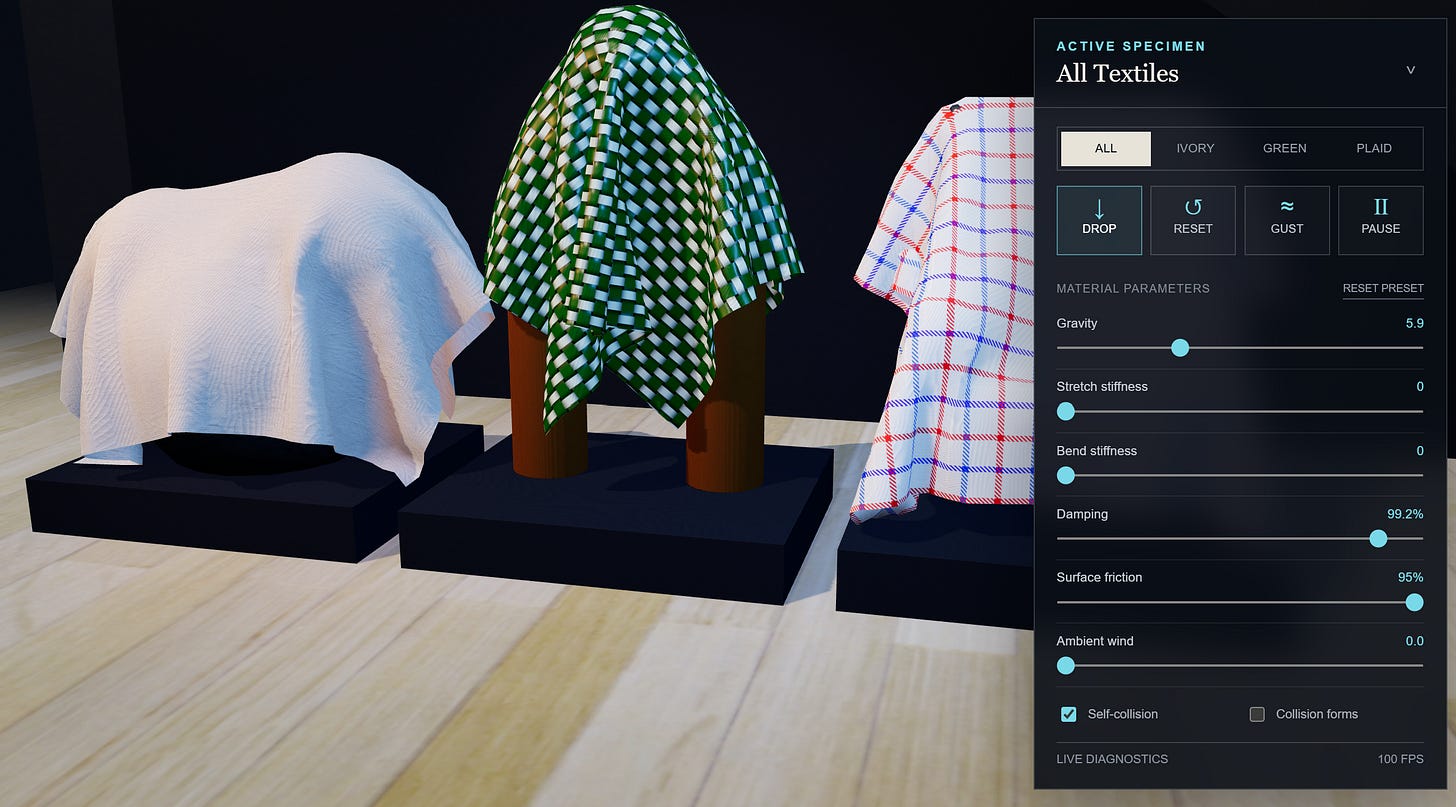
Textile Academy
The browser has 3,675 tiny jobs.
Press Drop on high quality and three flat sheets wake up at once. Each sheet is a 35 by-35 grid containing 1,225 moving points. Across the gallery, that gives the browser 3,675 particles to manage.
Those points are joined by 21,006 constraints. A constraint is a small rule about how far two points may move apart. Neighboring points resist stretching. Diagonal links keep the grid from shearing sideways. Longer links help the fabric bend without folding into complete nonsense.
The simulation uses extended position-based dynamics, usually called XPBD. Every sixtieth of a second, the solver applies gravity, carries the previous motion forward, and makes several passes through those constraints. High quality uses five correction passes. Mobile uses four.
This is less like solving one giant cloth equation and more like hosting a very fast argument among thousands of points about where they are allowed to be.
XPBD uses a value called compliance to control stiffness. Lower compliance makes a constraint harder to stretch or bend. The controls translate friendly stiffness sliders into those tiny values with a curved scale. That gives the stiff end of the slider more useful room than a simple linear control would.
The room and the cloth are separate
The Blender scene supplies the gallery, floor, plinths, and sculptures. The exported GLB contains eight static meshes and no cloth animation.
Every fold is created in the browser after the page loads.
The visible sculptures are detailed.
Their physics shapes are deliberately simpler.
The ivory cloth falls across spheres. The green cloth meets cylinders, a sphere, and a torus, which is the mathematical name for the donut-shaped part of the arch. Plaid has to negotiate boxes and rotated boxes arranged into the throne. All three also collide with the floor.
Simple collision shapes are faster and more predictable than testing every cloth point against every triangle in the visible model. When a particle enters one of those shapes, the solver pushes it back to the surface. A swept collision check also examines the path between its old and new positions. That helps stop a fast-moving point from jumping through a thin object between frames.
Friction removes some of the sideways motion after contact. High friction lets cloth catch and bunch. Lower friction lets it slide and settle.
Keeping folds away from other folds
Cloth also needs to collide with itself. Without that step, one layer can pass through another and the fabric begins eating its own folds.
Checking every particle against every other particle would become expensive quickly. Textile Alchemy places the particles into a temporary 3D grid called a spatial hash. Each point only checks nearby cells for possible contact. Its immediate grid neighbors are skipped because they are already connected by cloth constraints.
The solver caps the amount of self-collision work per frame. High quality allows up to 1,800 contacts per sheet. Mobile allows 900. It is a practical compromise: enough separation to produce readable folds without letting one tangled corner take the whole browser hostage.
Why does the physics lives in a Worker?
The cloth solver runs inside a Web Worker at 60 updates per second. That keeps the largest block of physics work away from the browser thread handling controls, menus, and rendering.
After each step, the Worker combines the positions from all three cloths into one transferable Float32Array. Two memory buffers travel back and forth between the Worker and the main page. Once Three.js consumes a buffer, the page returns it for reuse.
If both buffers are busy, the Worker drops that visual update. It does not build a growing line of old frames. A late cloth frame is useless because another one is already on the way. Three.js copies the latest positions into dynamic mesh buffers and recalculates the surface normals. Those normals let the lighting follow each new fold. The fabric then receives its color, normal, and roughness textures, plus double-sided lighting and shadows.
Pulling the cloth with a mouse or finger-how’s that work?
Dragging begins with a ray cast from the pointer into the visible cloth mesh. The code finds the triangle that was hit, chooses its nearest particle, and creates an invisible drag plane facing the camera.
While the pointer moves, that particle is held at the new position. The rest of the sheet must respond through its stretch, shear, and bend constraints. Release the pointer and the particle returns to normal physics.
Touch gets extra forgiveness. Instead of testing only the exact center of a finger press, the code probes nine nearby points across an 18-pixel radius. A finger is a terrible precision instrument. The code has accepted this and moved on.
Three fabrics, three behaviors-a demo of what can be done in a browser. I didn’t even realize it was possible.
The cloths share one solver, but each station has its own material settings.
The green arch uses the lowest stretch and bend compliance, along with the highest friction. It behaves like the stiffest specimen. Ivory is more flexible and slides more easily. Plaid sits between them, then gets dropped onto the most complicated piece of furniture in the room.
Ambient wind uses a controlled wave that varies across the particle grid. The Gust control adds a stronger directional shove that fades over the following steps. This keeps the effect repeatable. It is a cloth experiment, not a computational fluid dynamics lab wearing a nice jacket.
The sound is generated in the browser too. WebAudio oscillators create the interface, drop, gust, grab, and release cues, plus a quiet gallery tone. There are no prerecorded sound files. A little extra audio procedural generation-not a deep exploration. Just something I’m poking around with.
Scaling the experiment down so it can run on the phone
High quality uses 3,675 particles and 21,006 constraints across the three sheets. Mobile quality uses 1,875 particles and 10,506 constraints.
Automatic quality chooses the lighter grid for narrow screens, devices reporting four or fewer processor cores, or visitors who prefer reduced motion. The browser also watches solver time. If high-quality steps repeatedly exceed 18 milliseconds, it lowers the iteration and contact budgets.
The controls and quality preferences are stored locally in the browser. Live diagnostics expose frame rate, particle count, contact count, and solver time. There is also a collision view that reveals the simple shapes hiding beneath the sculptures.
The final stack is Three.js r185, WebGL, ES modules, a Web Worker, and procedural WebAudio. There is no framework, CDN, account, or server-side runtime. The Blender cloth never ships as a canned animation. When you press Drop, the browser starts working through those 21,006 constraints, the throne waits underneath, and plaid discovers gravity all over again.
Can’t have a 3d scene without a throne, after all.
Three fabrics, with folds, in realtime… in my browser at 60fps+.
What a remarkable time!



Connected work
- Launch Textile Alchemy: Drop, pull, and tune the three live textiles in the browser.
- Textile Alchemy project page: Review the playable project, controls, and implementation overview.
- Textile Alchemy at 100 FPS: Read the short visual note published before the full technical article.